Ever been stuck on hold for ten minutes with no idea when someone will pick up? Most people give up long before that, and plenty of them never call that company again. Call center software is a big reason some support teams avoid this and others can’t.
Picking one is the annoying part. Every vendor says it has AI and will grow with you, and the prices are all over the place. So here are 10 call center tools to compare in 2026, starting with [24]7.ai.
What Is Call Center Software?
It’s what your support team uses to run its phone work. Calls get sent to an agent who can handle them, outbound dialing is covered, and conversations are recorded so you can go back and listen. When a customer rings, the agent sees their history on the screen. Managers get their numbers from the system and don’t have to dig through spreadsheets.
Don’t mix it up with a contact center platform, though. The difference is how many channels it covers. Call center software is mostly about voice. A contact center platform also handles chat, email, SMS, and social media. A lot of newer products do both, so the line is pretty blurry now.
Types of Call Center Software
Call center software mostly splits two ways: what the calls are for, and where the software lives.
On the calls side, inbound is what a support line runs on. Customers ring in, and agents pick up. Outbound is the reverse, so think sales reps working through a lead list or someone chasing late payments. Plenty of teams don’t want to pick one, which is where blended systems come in. Same agents, same screen, calls going both ways.
Then there’s hosting. Cloud-based software runs online, so your agents can log in from home, from another office, wherever. On-premises software sits on your own servers. You get more control, but your IT team ends up handling every update and repair.
Benefits of Call Center Software
The biggest change is that agents stop doing busywork. Nobody is dialing numbers by hand or typing up call logs anymore, and that time goes back to the actual conversation.
Customers notice it too. Calls land with the right person from the start, so they aren’t being transferred three times and explaining the problem over again. And if someone does call back, the agent can open the last conversation before saying hello.
Managers get something out of it as well. They can listen to recordings and figure out why handle times keep creeping up, instead of guessing. When the team grows, you mostly just add seats.
Top 10 Call Center Software Solutions in 2026 Compared
Prices here are ‘starting prices’ and they change, so check each vendor’s page before you commit.
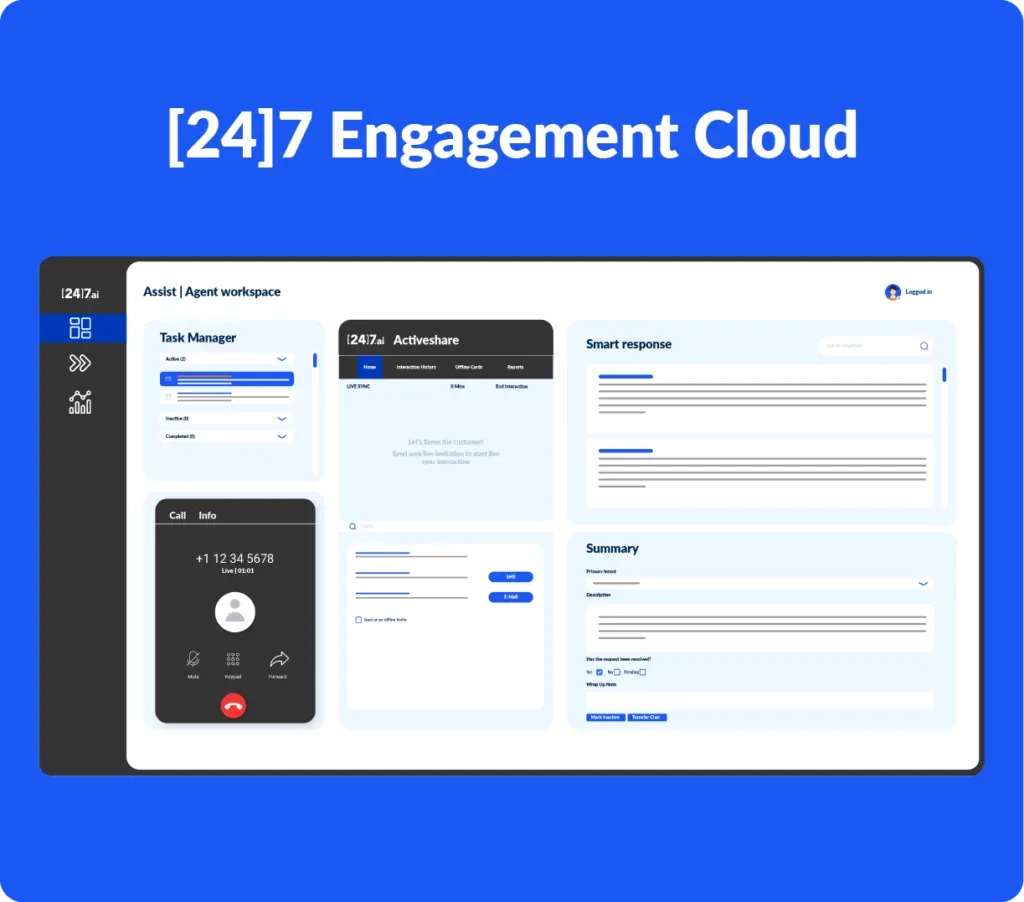
| 1. [24]7.ai | Built for enterprise customer experience. It covers omnichannel support with conversation automation and analytics. The AI deals with routine requests, and a human agent steps in when a case gets tricky. Pricing is quote-based, so you’ll need to talk to their team. |
| 2. Five9 | A cloud platform for AI-powered contact centers. You get intelligent routing and a predictive dialer, plus AI agents. It handles inbound support and outbound dialing. The Digital plan starts at $119/user/month with a 50-seat minimum, so very small teams won’t fit. |
| 3. Genesys Cloud CX | Made for large operations with a lot going on. It comes with Agent Copilot, 350+ integrations, and omnichannel routing. The entry plan, CX 1, is voice-focused and costs $75/user/month. If you need chat and other channels, CX 2 starts at $115/user/month. |
| 4. NICE CXone | The one to look at if workforce management is a priority. Enlighten AI and compliance features are included, and the analytics and staff planning sit in the same system as the customer interactions. The Omnichannel Suite starts at $110/agent/month. |
| 5. Talkdesk | Talkdesk sells versions tailored to specific industries, such as healthcare and financial services. It also has a low-code builder and an AI copilot. Voice Essentials starts at $85/user/month. |
| 6. RingCentral | A fit if you’d rather get your business phones and your support tools from the same company. Its contact center product is RingCX, and it comes with omnichannel routing and a large app catalog. RingCX starts at $65/agent/month. |
| 7. Dialpad | Dialpad leans on AI for calls. It transcribes them live and writes up summaries, so agents spend less time on notes. Calling plans start at $15/user/month. If you want the contact center side, that’s quote-based. |
| 8. Aircall | Aimed at small and growing teams. Setup is easy, it connects to your CRM, and it includes call analytics. Essentials starts at $30/user/month. |
| 9. CloudTalk | Works for both sales and support calling. It has a power dialer and call tracking, and it syncs with your CRM. Pricing starts at $25/user/month. |
| 10. Nextiva | Nextiva began as a business phone service and has a contact center built in. It also covers VoIP and messaging. Phone service starts at $15/user/month, and the contact center starts at $75/agent/month. |
How to Choose the Right Call Center Software
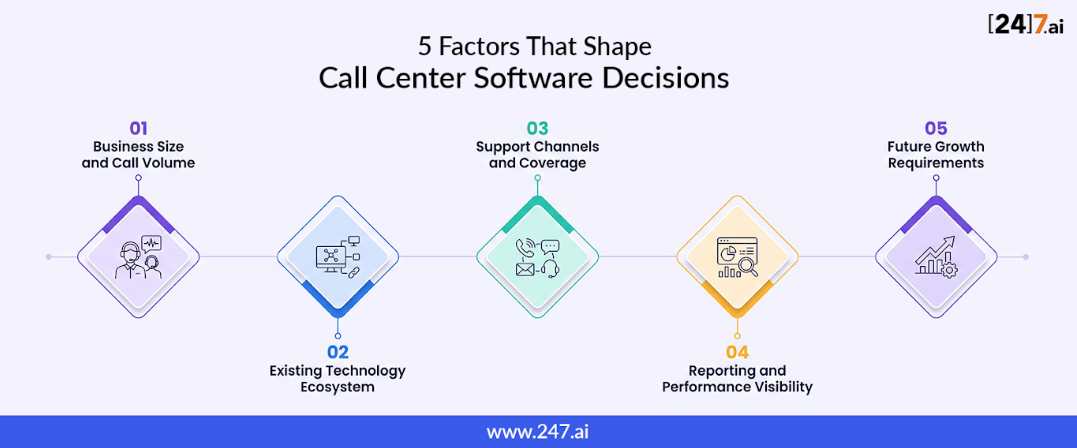
Before you look at any vendor, figure out your own numbers first. How many agents do you have, how many calls come in on a normal day, and do customers also message you by chat or email? Once you know that, half the vendors on any list drop out.
Ask to see the AI features working. A slide about agent assist tells you nothing, but a live call does.
Have the CRM and help desk connection shown to you. “Integrates with” can mean a full two-way sync or something much shallower.
Price out the team you’ll have in a year, not the one you have today. Setup fees and add-ons come on top of the seat price, and jumping from 20 seats to 50 can change the bill more than you’d think.
If you take card payments or handle patient data, ask whether the vendor supports PCI-DSS or HIPAA. Check the reporting while you’re at it. Weak reports are the kind of thing you only notice after you’ve signed.
Ask for a demo and bring a few of your agents. They use this thing all day, and spot a clunky screen within minutes.
Conclusion
Use the list above to cut your options down to two or three that fit your budget and team size. Ask those vendors for a free trial and put a few agents on it for a couple of weeks. They’ll tell you pretty fast which one they can work with. If you want AI to take care of the simple requests, [24]7.ai is one to include.